
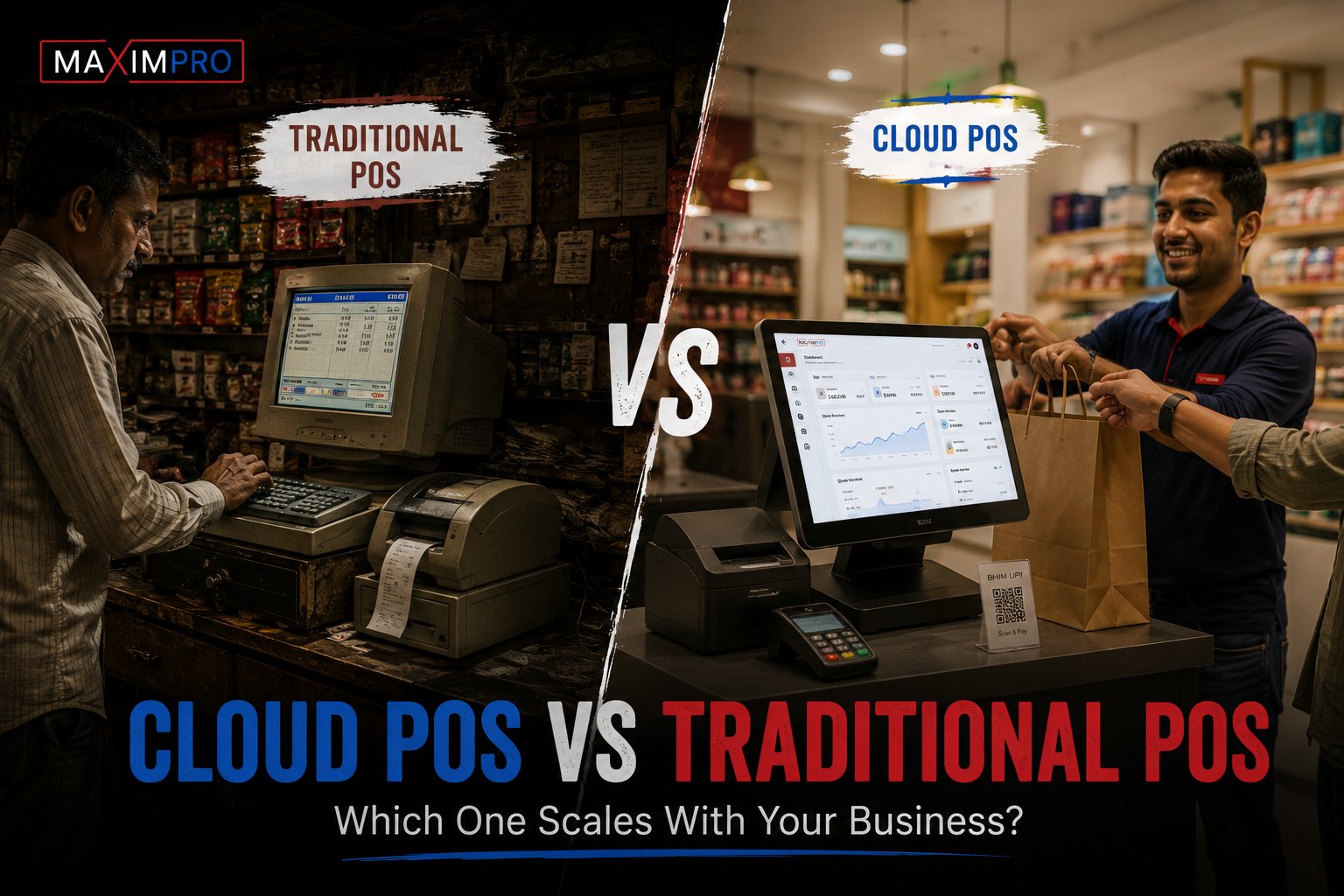
Every retailer running more than one outlet eventually hits the same wall: the POS that worked fine at your first store becomes a liability when you open the third. Data stuck on a local server, no live visibility across branches, and any software change that means booking a technician site visit. That frustration is what drives most of the "cloud POS vs traditional POS" conversation — not a theoretical technology debate, but a practical one about whether your current system can actually run a growing retail business.
This post is written for multi-outlet retailers in India and GCC who are weighing whether to stay on-premise or move to cloud. The trade-offs are real on both sides — and we’ll cover them honestly, including where cloud POS vs traditional POS decisions are not as clear-cut as most vendor articles admit.
The real question behind "cloud vs traditional"
The cloud vs on-premise question looks technical on the surface but is actually operational. It comes down to this: can your current POS architecture give every decision-maker in your business — the owner, the operations head, the store manager — accurate, real-time information, regardless of which outlet they’re standing in?
A single-location retailer carries modest risk either way. A five-outlet chain that opens a sixth in a different city is a different matter entirely. At that scale, the architecture of your POS shapes how fast you can act — on pricing changes, stock shortages, fraud alerts, and compliance updates. That’s why this post focuses on cloud POS systems for multi-store retail, where the trade-offs are sharpest and the consequences of getting it wrong are most expensive.
How traditional (on-premise) POS works — and where it breaks
A traditional on-premise POS stores all its data on a local server, usually in the back office of your main store. Each additional outlet typically has its own local server. The outlets don’t talk to each other in real time — headquarters sees what happened yesterday, not what’s happening now.
That architecture creates predictable problems at scale:
- No live visibility across outlets. If branch three is running low on a fast-moving SKU, you find out when the store manager calls — not from a dashboard.
- Scaling is hardware-heavy. Adding a new outlet means procuring a server, configuring the software locally, and building a manual sync process. That’s weeks of lead time and real capital outlay per location.
- Updates require a site visit or manual distribution. A pricing change, a promotion, or a VAT rate adjustment must be pushed to every server individually. In a five-outlet chain, that’s five separate operations — and any outlet where the update fails is now running on incorrect data.
- The security picture is mixed. A closed local network has a smaller attack surface than a cloud connection — but it also means the owner has no remote access, and a local hardware failure takes the store down entirely until a technician arrives.
None of these are reasons to dismiss on-premise entirely. For a single location with mature operations and a reliable local IT team, on-premise is manageable. But for a growing chain, the operational cost of maintaining data consistency across isolated local servers compounds with every outlet you add.
How cloud POS works — and what "cloud" actually means
A cloud POS stores data on remote servers and makes it accessible from any device with an internet connection. Every outlet runs the same software, pulls from the same central product catalog, and contributes to the same central dashboard — in real time.
The operational differences are concrete:
- One central catalog, one pricing update, all outlets. Change a price or push a promotion from head office — every terminal in every store reflects it within seconds, not after a multi-site update cycle.
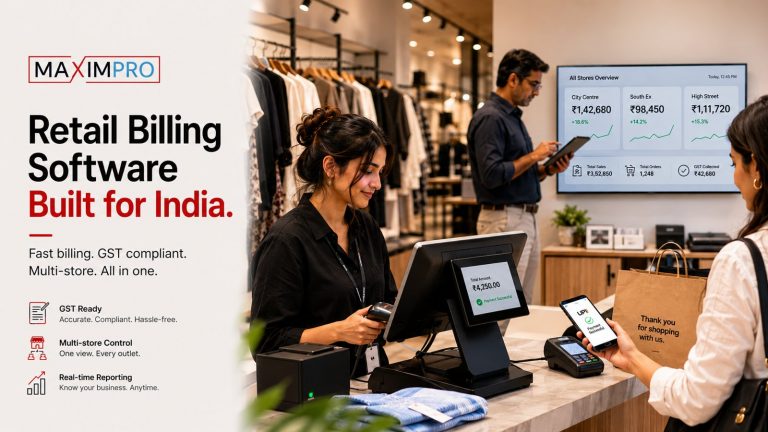
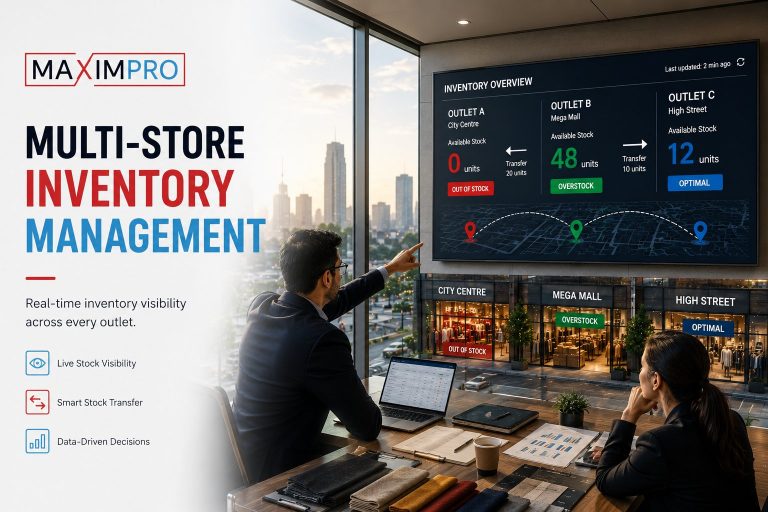
- Real-time reporting across the entire chain. From one screen — including mobile — you see sales, stock levels, and footfall at every outlet simultaneously.
- Software updates happen automatically. New compliance rules, new features, bug fixes — these are pushed centrally without requiring any action at outlet level.
- Adding an outlet is a configuration exercise, not a procurement exercise. No new server. No hardware lead time. The outlet goes live in hours, not weeks.
The pricing model shifts too: cloud POS typically runs on a subscription per outlet (MaximPro’s pricing is $80–$130 per outlet per month depending on the tier), with no upfront server capex. That changes the financial model substantially for a chain adding locations regularly.
The offline question — the #1 objection to cloud POS
The legitimate pushback against cloud POS in GCC retail is internet reliability. Connectivity in some Oman and UAE retail locations is not the same as a tier-1 data centre. If billing stops when the internet drops, that’s an operational crisis — especially in a busy outlet during peak hours.
This is a real concern and worth taking seriously, not dismissing. What it requires is a specific answer from any cloud POS vendor you evaluate: what exactly happens when connectivity drops? Full offline billing? Read-only mode? How long can the system operate offline, and how does it reconcile when connectivity restores?
What’s worth noting is that traditional POS doesn’t solve this problem either — it just trades one risk for another. An on-premise server failure during peak hours is as disruptive as an internet outage, and it requires a technician on-site to resolve. The relevant comparison is not "cloud = risky, on-premise = safe" — it’s which failure mode your operations are better positioned to recover from.
Cost comparison — upfront vs subscription
The total cost of ownership calculation is where switching from legacy POS to cloud decisions often stall. The upfront cost of cloud POS is lower — no server hardware per outlet — but the ongoing subscription is a permanent line item. Here’s how the factors compare at the outlet level:
|
Factor |
Traditional (On-Premise) |
Cloud POS (MaximPro) |
|
Upfront cost |
Server hardware + licences per outlet |
No hardware server required |
|
Per-outlet ongoing cost |
Maintenance, AMC, technician visits |
$80–$130/mo (Lite/Pro/Enterprise) |
|
Software updates |
Technician visits or manual push |
Included, pushed centrally |
|
New outlet setup |
Hardware procurement + configuration |
Configuration only; live in hours |
|
Central visibility |
Batch sync; no real-time |
Real-time across all outlets |
For a five-outlet chain, cloud typically reaches break-even against traditional on the maintenance savings alone within 18–24 months — cost of manual update cycles and the delayed decision-making that comes with batch-sync reporting.
Scalability — where cloud POS wins decisively
This is the dimension where on-premise POS vs cloud POS in GCC markets diverges most visibly. A retail group planning to move from Oman into UAE and then Saudi Arabia faces a different problem with traditional POS than one that stays within a single geography.
With on-premise, each new country means negotiating hardware procurement in that market, configuring local servers, and building a cross-border data sync that was never designed for the architecture. With cloud, the expansion is a configuration — you are already running multi-country because the platform was designed for it from the start.
MaximPro’s retail chain management software for multi-outlet retailers is built on this premise: the same architecture that runs two outlets in Muscat runs ten outlets across three GCC countries without a rip-and-replace. That design choice matters most at exactly the moment you’re adding your fifth or sixth location — when you’re too busy building to want a POS migration project running in parallel.
Compliance — the GCC-specific dimension
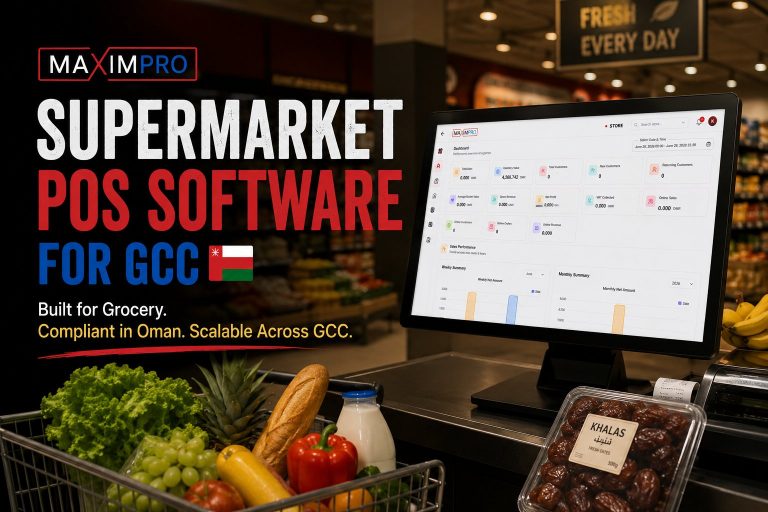
VAT and e-invoicing compliance are live operational requirements across GCC retail, not a future consideration. Oman’s Fawtara e-invoicing mandate and Saudi Arabia’s ZATCA Phase 2 rollout both require structured digital invoices submitted in specific formats and timelines.
The practical difference between cloud and on-premise here is update speed. When a VAT rule changes — a rate adjustment, a new category, a format requirement — a cloud POS receives that update automatically and the compliance logic is current from the moment the rule takes effect. An on-premise POS requires a software patch to be distributed, tested, and installed at every outlet server. In a compliance environment where late or incorrect invoices carry penalties, that lag is a real business risk.
MaximPro is VAT-compliant for Oman and GCC retail — for a detailed breakdown of how this works in practice, see our post on VAT and Fawtara compliance in cloud POS
Our verdict — who should choose what
Traditional POS is still the right choice in a narrow set of situations: a single location with no expansion plans, environments where data sovereignty requires everything on-premise by legal mandate, or genuinely remote locations where internet connectivity is unreliable and no offline mode is available.
Cloud POS fits any retailer with two or more outlets, plans to expand, and a need for real-time visibility across locations. That describes the mainstream GCC and India retail use case in 2026 — and it’s the architecture MaximPro was designed for.
The honest answer to the cloud POS vs traditional POS question is not "cloud always wins." It’s: if your business is growing, and you need every outlet visible from one screen without a technician visit every time something changes, the on-premise architecture will slow you down faster than the subscription fee justifies keeping it.
Frequently Asked Questions
Does cloud POS work without internet?
Modern cloud POS platforms support offline billing through local caching — transactions are processed and queued locally, then synced to the central cloud when connectivity restores. The specific capability varies by vendor; confirm whether offline mode covers full billing or read-only access before selecting a platform.
Is cloud POS more expensive than traditional POS?
Cloud POS has lower upfront cost — no server hardware per outlet — but carries an ongoing subscription. Over a three-to-five year period at multi-outlet scale, cloud often costs less when you include the hardware, maintenance contract, and technician visit costs of on-premise. Model the full total cost of ownership over your planned outlet count, not the first-year subscription in isolation.
How do I migrate from a traditional POS to cloud?
The core steps are: export your master data (products, pricing, customer records), map it to the new system’s structure, run both systems in parallel for a defined period at one outlet, then roll out location by location. Migration complexity is usually in the data quality — inconsistent product names, duplicate records, incomplete pricing — not in the technical transfer itself.
Which POS is better for a 5-outlet retail chain?
Cloud, in almost every case at five outlets. The central visibility, single-update pricing, and new-outlet-in-hours scalability outweigh the on-premise advantages unless you have a specific data sovereignty or connectivity requirement. See MaximPro’s full cloud POS feature set for what a cloud-native multi-outlet system includes.
How does the VAT compliance difference between cloud and traditional POS affect GCC retailers?
When the Oman Tax Authority updates the Fawtara invoice schema or a GCC country adjusts a VAT rate, a cloud POS pushes that compliance update to every outlet automatically. A traditional on-premise POS requires a software patch to be distributed and installed at each outlet server — a process that can lag behind the compliance deadline by days or weeks, creating penalty exposure during the gap.
MaximPro is built for exactly this — cloud-native, offline-capable, VAT-compliant, and designed for GCC and India multi-outlet retail. It integrates with VIZO361 AI video analytics for retail shrinkage control — the one advantage no traditional POS can match: real-time loss prevention layered directly on your POS data. And as a Proeffico product, MaximPro sits in an ecosystem designed for the operational realities of growing retail businesses, not theoretical enterprise deployments.
If you’re evaluating a move from on-premise to cloud — or assessing MaximPro against your current system — see how MaximPro’s cloud POS deployment in Oman works in practice, or book a demo and we’ll walk through it for your specific outlet count and compliance requirements.
Book a MaximPro demo — show us your outlet structure and we’ll demonstrate how the system handles your real operations, including offline mode, VAT compliance, and multi-outlet reporting.